 |
| My A5 Filofax & planner organiser pouch |
Please note: This is going to be a super long post, so if you don't like planning and organising posts, don't say I didn't warn you :)
Hello again!
Today I thought it would be fun to share my ideas and how I organise my Filofax.
I know we all organise different to suit our own needs and I've seen some wonderful ideas out there on
Instagram,
Pinterest and Youtube. I have had this Filofax for a year now and finally (after loads of changes over the year) I have organised it the perfect way for me. I don't tend to buy the Filofax inserts in the shops as they are not cheap for paper! That I can just print off myself from free websites and blogs. I love looking for free printables on
Pinterest and so grateful for the people that designed them. I have found loads of different styles and found ones that suit me. I will link all the
free printables at the end of this post so you know where to find them.
This is how I organise my Filofax in order (in detail &
photos)...
When you open my Filofax, I keep an
'Ideas Journal' notebook inside, where I write down all ideas so I can remember them. I highlight them in colour code so I know what I'm looking at when I'm going back through the pages.
Colour code for Ideas Journal...
- Green - Organising / Planning
- Blue - To print out
- Pink - Projects / To dos
- Purple - To transfer to somewhere else (different notebook/Journal)
- Yellow - Things to check out/Research
- Orange - Kids ideas
 |
| Ideas Journal |
I also keep a
'A6 Cash book' which I brought from this stationary shop online called
Sticker stack. I was very happy with the way it was laid out for budgeting. I keep it up to date each month to track what I'm spending by using a daily spent tracker sheet, monthly tracker sheet and internet banking.
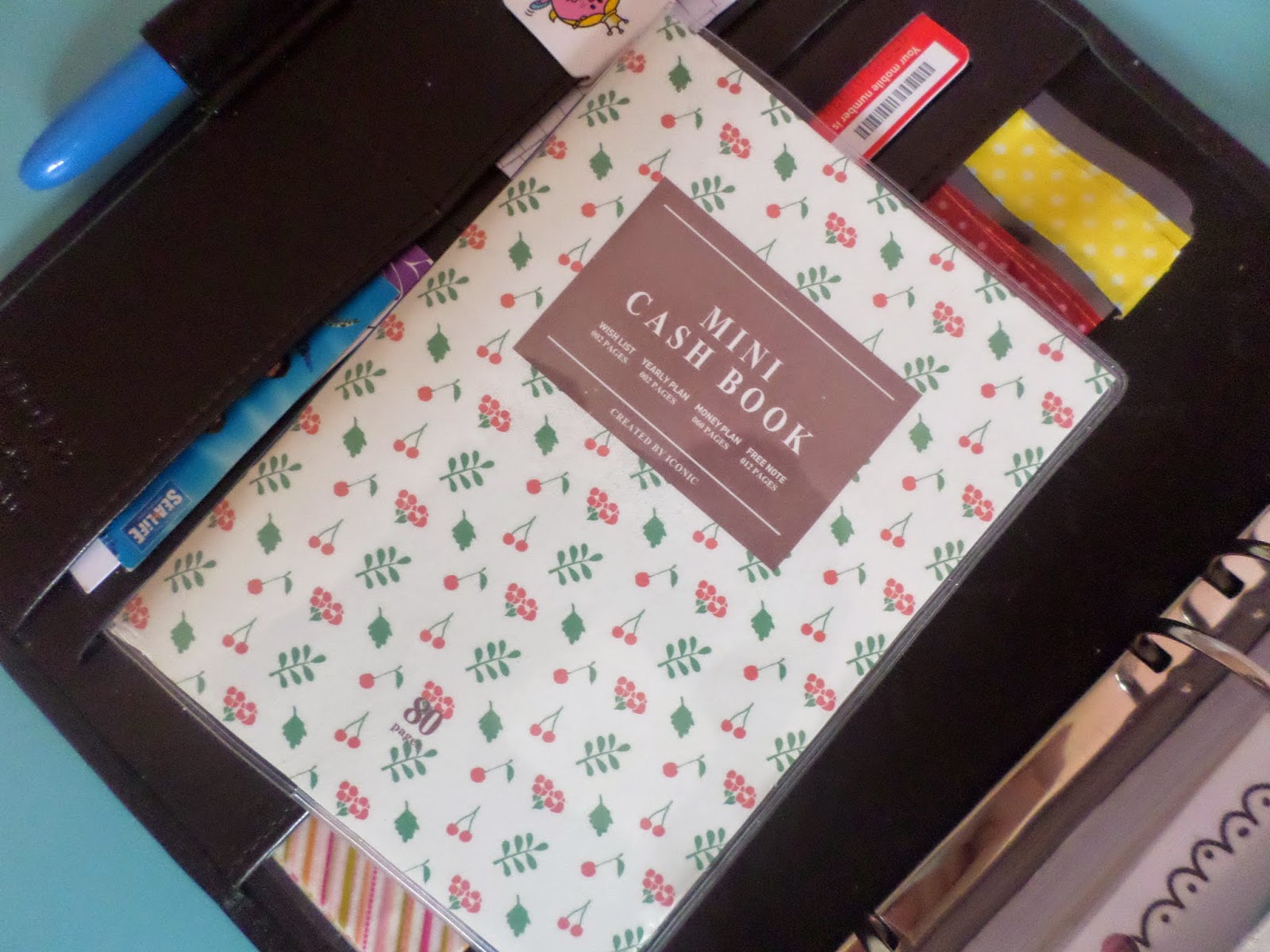 |
| A6 Cash book |
|
|
|
|
|
The First page in my Filofax (and probably other peoples Filofax) is my Dashboard and reminders bookmark. I labelled mine with my name and dashboard, and added few stickers and a photo of my son as a baby. I keep the dashboard for sticky post-it notes and page tags.The reminders bookmark I put sticky notes on there for quick things I need to remember, instead of flicking through my Filofax to find.
 |
| Reminders bookmark |
|
|
|
|
|
 |
| My dashboard |
Then the next pages after the dashboard...
- A small zipped side pocket with dot-it stickers, star stickers and extra stickers.
- A open top pocket with pretty card stock to use for pens that bleed through the pages and letter reminders. Also I sometimes keep Penpal letters I need to reply back to in there.
- Another open top pocket with my 'Nightly Filofax checklist'.
 |
| Nightly Filofax checklist |
|
|
I will do another post on my
'Nightly Filofax checklist'. Its basically things I need to do in my Filofax to keep it up to date. I do this every night before bed.
Next page after is the
Filofax yearly calendar (kept from the actual Filofax itself).
I do have a colour code highlighted system for this.
Colour code:
- Blue - Birthdays
- Yellow - Events
- Green - Appointments
- Orange - Notable dates (which this page comes with the Filofax itself)
- Pink - School holidays (As I work in a school I need to know days I get off work)
Next page after is a
New year's resolutions sheet.
Now onto the Tabs I have on the side. I have 6 tab dividers to section off each subject.
Tabs on side:
- Personal
- Diary
- Contacts
- Money
- Lists
- Notes
1. Personal section
- Personal information (came with Filofax)
- Notable dates on the back of personal information page
- Map (came with Filofax)
- Photos of my family
2. Diary section
- Running to do list clipped onto a patterned flyleaf (I made the flyleaf wider so I can easily flick to this. I would choose the things I want to do on that day, and add to my daily sheet)
Tabs in the Diary section at the top:
- Yearly
- Monthly
- Weekly
- Daily
 |
| Top tabs |
Yearly section:
- Yearly to dos list (end of December)
- Year at a glance
- Dates to remember
- Overview of the year
- Yearly goals
 |
| Year at a glance sheet |
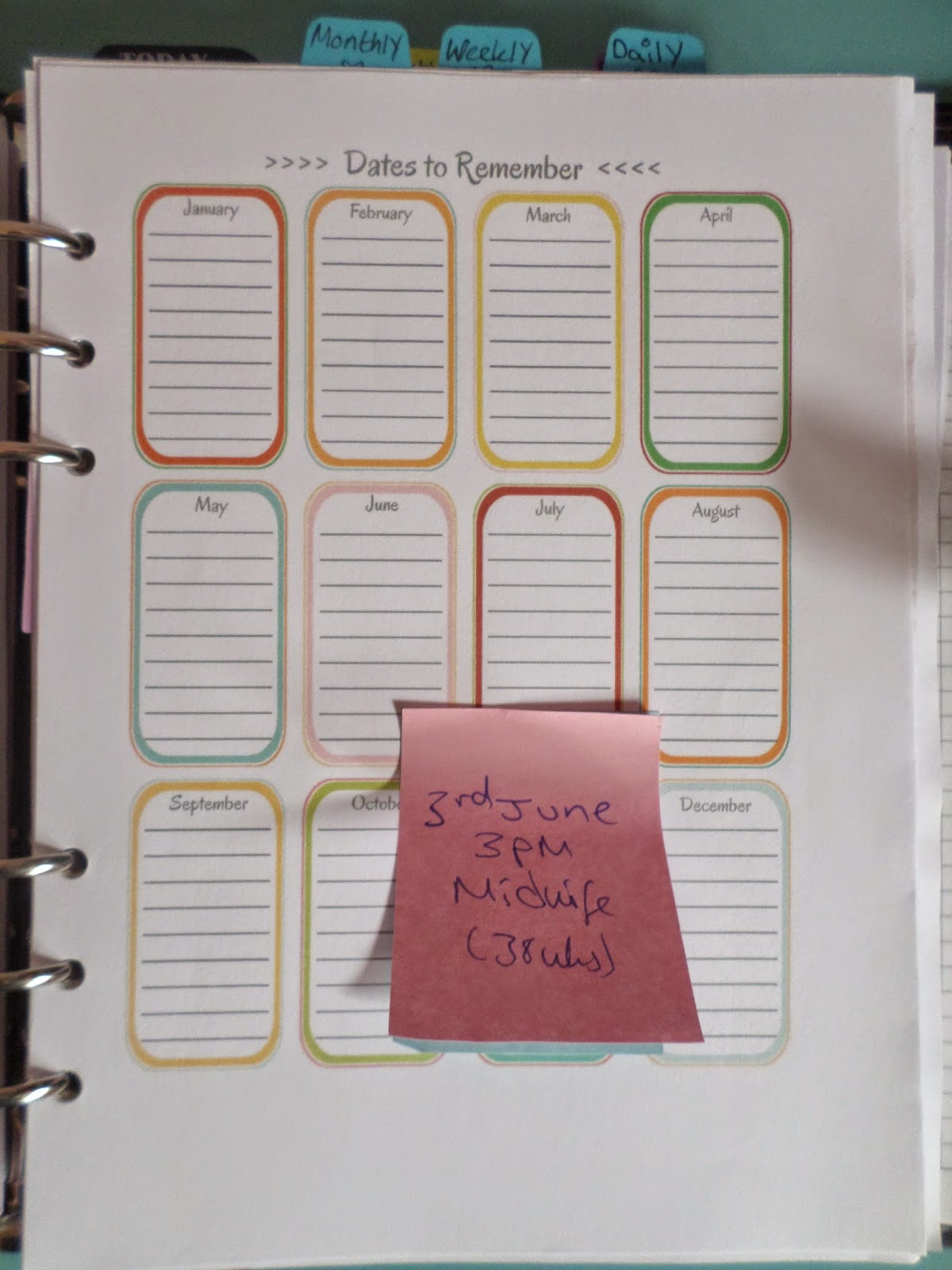 |
| Dates to remember sheet |
 |
| Overview of the year |
 |
| Yearly to dos |
Monthly section:
- Monthly to dos list (1st of every month)
- Last months calendar sheet (so already been filled in)
- No spend month calendar
- Monthly/Weekly colour code bookmark
- This months calendar
- Monthly goal tracker
- School holidays list
 |
| Monthly to dos |
 |
| Monthly calendar |
 |
| Monthly goal tracker |
Weekly section:
- Weekly to dos list (Sunday planning)
- Goals for this week (on post-it sticky notes)
- Weekly house chores list
- Week on 2 pages
- This weeks tasks
 |
| Weekly to dos |
 |
| Goals for this week |
 |
| Weekly house chores list |
 |
| Monthly/Weekly colour code system |
 |
| This weeks task sheet |
Daily section:
- Daily to dos list
- Daily sheet explained sheet
- Daily schedule
- Bullet Journal key code (also use for my daily sheets)
- Daily sheets (I did make my own but I found the perfect sheet from Etsy. The shop owner was very helpful. Shop - Myuncluttedlife)
 |
| Daily to dos |
 |
| Bullet code key code |
What this Daily sheet contains -
Schedule, Daily routine morning and evening, To do's, Notes, Water intake, I am grateful for, Cleaning routine morning and evening, Shopping list, Meal plan, Expenses.
3. Contacts section:
- Family contacts
- Work contacts
- Take away contacts
- Health contacts
- Schools contacts
- Other contacts
- Birthdays tab at the top - Birthdays
 |
| Contacts sheet |
4. Money section:
- Business card holder
- Payments due calendar (highlighted)
- Monthly payments sheet (Direct debit/Cash payments)
- Yearly payments, Weekly payments
- Monthly income, Weekly income sheet
- Monthly budget planner (I plan first on paper, then try and spend them amounts in real life)
- Save up sheet
- Daily spent tracker
- Monthly budget tab at the top - bookmark with 'Amounts spent' colour code system on
- Month calendar to add the amounts spent on each day (so I know where my money has gone)
- Outstanding debt sheet
- Year at a glance (budget)
- Orders
 |
| Daily spent tracker |
 |
| 'Amounts spent' colour code system |
 |
| Monthly amounts spent calendar (colour coded from code above) |
5. Lists section:
- List of lists in this section
- List of the day Journal prompts (I type up my own)
- Wish list
- Gift list
- Apps on Iphone
- Bucket list (which I might take out and put in an A5 binder)
- Blogs I love
- Websites I love
- Spring cleaning checklist
- Hobby list
- My son's development
- Usernames
- Ideas for project life
- Free printables list
- Reading list
- Shops online I love
- Travel photo checklist
- Laundry list
- Storage list
- Projects to complete
 |
| This is where I write my 'List of the day Journal prompt' |
| (This insert is from the Etsy shop - Stationera) |
Then I have a tab at the top for Meal Planning
- Meals for the week (on post-it sticky notes - so can move them to daily sheets)
- Meals for this month (costs of ingredients to work out)
- Meal ideas
- Helpful kitchen conversions
 |
| Meals for this week (I put post-it sticky notes on here) |
 |
| Helpful kitchen conversions sheet |
6. Notes section:
- Cute note paper
- Penpal letter sheets - paper clipped (I brought the paper from Etsy shop called Stationera)
So thats how I organise my Filofax. I would love to hear your ideas and thoughts, if you would like to comment below or email me lifeasweknowit2400@gmail.com. Also you can find me on
Instagram @shopaholic2400 or
Pinterest.


 1. PLANNING
 4. MEAL PLANNING
 I keep a A5 pocket for Stationary at the front of the binder.


